MICROSOFT 365 · EMAIL & COLLABORATION

A clearer Microsoft 365 setup. A better working day.

If Outlook, phones and shared addresses are difficult to keep straight, adding Microsoft 365 licences may only add another account. We review domain access, users, existing mail and collaboration needs before agreeing setup or migration work.

Excellent rating
Based on 17 reviews
Google star 1Google star 2Google star 3Google star 4Google star 5
Been dealing with TheDenn website development for the companies new website design and emails. Harrison in particular has given excellent service throughout and when dealing with him direct, his customer service has been flawless. I now have a fully functioning and working email after nearly 3 years!! Highly recommend.
Dean Holton profile picture
Dean Holton
Google star 1Google star 2Google star 3Google star 4Google star 5
Quality work, done within agreed time. Very nice people, would definitely recommend 👍
Noah Hodson profile picture
Noah Hodson
Google star 1Google star 2Google star 3Google star 4Google star 5
A pleasure doing business with the Denn they gave us the smoothest domain service we have experienced. Truly second to none. 👏
Tobias Hussey profile picture
Tobias Hussey
Google star 1Google star 2Google star 3Google star 4Google star 5
The Denn have helped us develop a patient facing healthcare website. They listened to our requirements and have produced an excellent site. Would absolutely recommend The Denn.
Michelle Dyoss profile picture
Michelle Dyoss
Google star 1Google star 2Google star 3Google star 4Google star 5
The Denn have been absolutely incredible throughout the entire process. Not only have they been completely approachable but they offered various options and were prepared to make any changes to suit my needs. I would not hesitate to recommend them.
Josh Quinton profile picture
Josh Quinton
Google star 1Google star 2Google star 3Google star 4Google star 5
Great service from start to finish creating a modern website that meets all our requirements. Fantastic ongoing support. Highly recommend.
Michelle South profile picture
Michelle South
Google star 1Google star 2Google star 3Google star 4Google star 5
Needed some video content producing for social media and the lads at TheDenn were great. Super helpful and organised!
Alethea Buck profile picture
Alethea Buck
Google star 1Google star 2Google star 3Google star 4Google star 5
Had these guys build a website for me and what can I say! Absolutely incredible service, fast responses and overall a great company to deal with. Would highly recommend 🙌🏻
Tom Stevens (Bolt e-Bikes) profile picture
Tom Stevens (Bolt e-Bikes)
Google star 1Google star 2Google star 3Google star 4Google star 5
I had a logo for my cake page created by The Denn and I cannot recommend enough! They were amazing, Harrison and Tom were both so helpful and professional throughout the whole process! Thank you so much 🤩
Lily-May Biddle profile picture
Lily-May Biddle
Google star 1Google star 2Google star 3Google star 4Google star 5
I would highly recommend TheDenn, they listened, understood my branding when I asked them to create/design a logo. It was a pleasure working with them.
lou buck profile picture
lou buck
START A PROJECT
Let’s make something great.

Tell us what you’re working on. We’ll take it from there.

No pressure. No jargon. Just a conversation.
More accounts are not the answer. What does the team need?

Email, shared access and collaboration tools should be planned around how people work. Start by identifying the existing service, account ownership and the tasks causing problems before deciding what to configure.

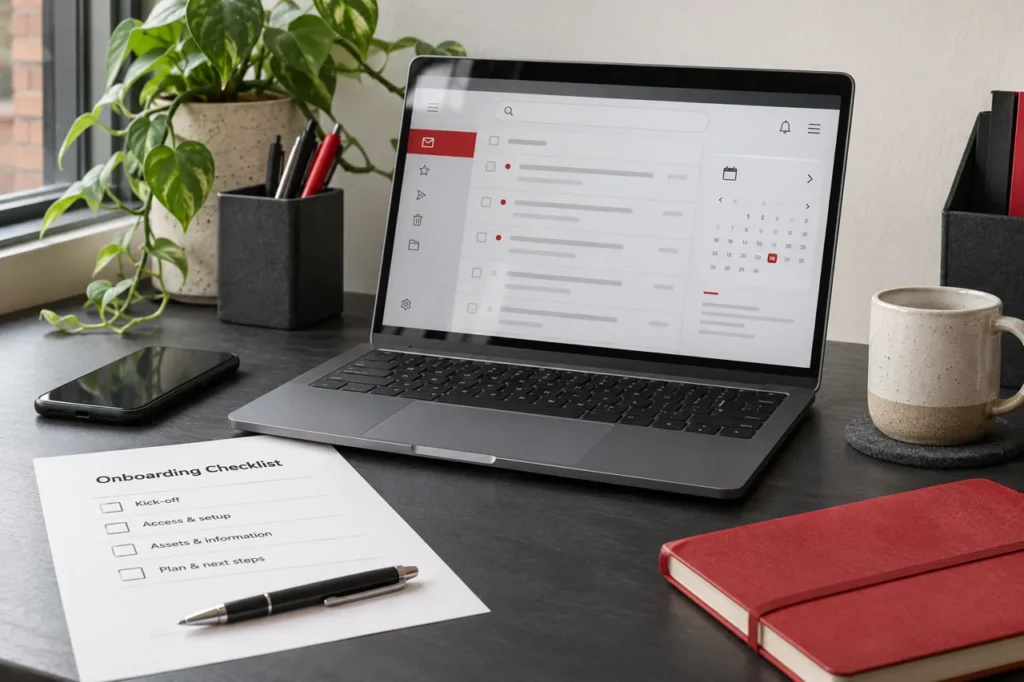
Illustrative business email and calendar setup on a laptop
01 /

Shared access depends on one person's login

Identify who needs access to each address or resource. Discuss user accounts, shared mailboxes and administration rather than passing around a personal password.

02 /

Mail and devices are not joined up

List the current provider, applications, devices and mailboxes. Assess the agreed migration and access requirements before assuming the issue needs a complete move.

03 /

You are paying for features without a clear role

Choose collaboration requirements deliberately. Teams, OneDrive and SharePoint need a purpose, suitable permissions and an appropriate licence rather than being enabled without a plan.

Microsoft 365 features depend on the selected licence. Migration outcomes and timing depend on the source service, data and access; we agree limitations before work starts.

Review the existing setup. Configure only what fits.

New business email, a migration and collaboration changes have different requirements. Confirm the users, current service and selected Microsoft 365 licence before defining the work and separate charges.

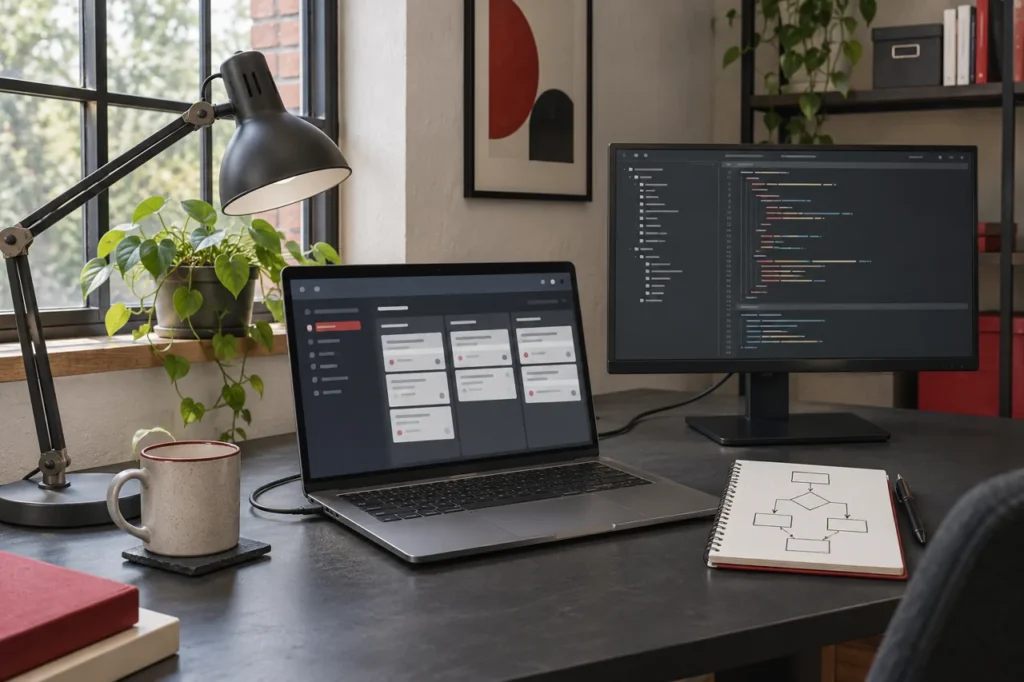
Illustrative software development workstation with a workflow interface and code editor
01 /

Business email setup

For connecting a business domain and agreed user or shared mailboxes. Confirm existing records, licences and administrative access first.

02 /

Migration and device access

For moving supported data or checking account access across agreed devices. Review the source provider and migration limits before planning the changeover.

03 /

Security and collaboration

For clarifying recovery, authentication and role-based access. Scope collaboration tools only where they serve an agreed task and the selected licence supports them.

04 /

A clear next step

Bring the user list, current provider, devices and access problems. We can then distinguish setup, migration and collaboration work.

We list setup and migration work separately from Microsoft 365 subscriptions and optional administration.

Clear setup costs. No assumed extras.

The number of users, source system, migration and collaboration requirements shape the quotation. Microsoft subscriptions and any ongoing administration are shown separately.

Microsoft 365 Setup

Quoted to your brief

Set up business email around your domain, users and selected Microsoft 365 plan.

Review domain and account access.

Agree mailbox and user needs.

Configure the agreed email service.

Check access and hand over.

Email Migration & Changes

Quoted to your brief
Scope agreed before work begins

Plan mailbox migration or review an existing configuration that needs improvement.

Review the current email provider.

Identify data and access requirements.

Plan the changeover and checks.

Agree device and account responsibilities.

Additional Costs & Responsibilities

Plan features and licence requirements are checked before the setup is agreed.

Migration coverage, backups and client/device work are specified in the proposal.

Optional support is agreed separately; no unconfirmed response time or uptime commitment is included.

Only the services and deliverables agreed in your proposal apply. Third-party costs and optional work are explained separately.

REALISTIC RESULTS

A useful setup has understandable responsibilities.

Judge the work against the accounts and access tasks in the brief. Licence features, migration limits and existing data affect what can be configured; they need to be understood before handover.

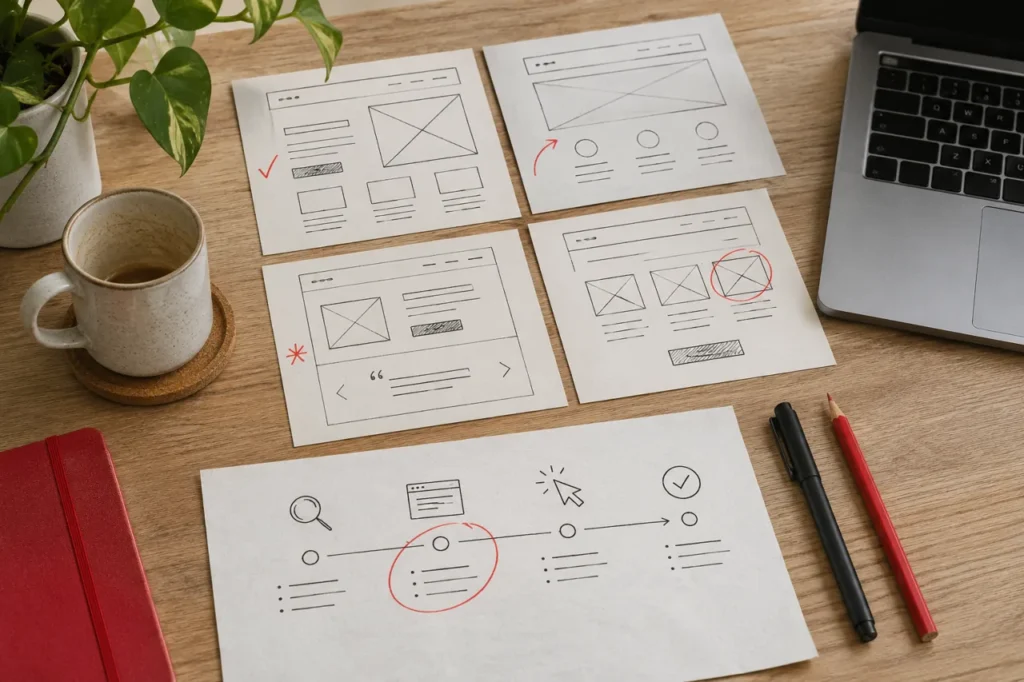
Illustrative website wireframes and customer journey planning on paper

Illustrative business email and collaboration workspace.

1

Map users and access

Record the current mailboxes, domain access, devices and shared resources. Clarify who needs to use and administer each part.

2

Check the agreed setup

Review configured accounts, supported migration tasks and access against the plan. Explain any known restrictions rather than assuming every item has moved.

3

Plan future account changes

Confirm who handles starters, leavers, recovery and licence changes. Further migration or administration is separate work where agreed.

What shapes the outcome?

Microsoft 365 features depend on the selected licence. Migration outcomes and timing depend on the source service, data and access; we agree limitations before work starts.

HOW WE WORK

A sensible route to a joined-up setup.

Bring current account and domain access where available, the user list and the tasks that are difficult today. We agree the account and migration requirements before making changes.

Review the Setup

Review users, devices, domain access, existing mail and collaboration needs.

01
02

Agree the Plan

Agree the deliverables, responsibilities, costs and approval points before work starts.

Configure Accounts

Choose the scope, licences, supported migration data and change window.

03
04

Migrate & Check

Configure the agreed accounts, domain records and access controls.

Handover & Guidance

Check mail flow, access and the agreed handover, then confirm any support arrangement.

05

You'll approve key decisions before we move ahead.

ONGOING SUPPORT

Keep the setup clear as your team changes.

A growing team needs clear account administration. Keep Microsoft 365 subscriptions separate from setup fees and any optional support for users, permissions or future changes.

Illustrative hosting and website support equipment in a small network cabinet
ONGOING ARRANGEMENTS

Microsoft 365 Licences

Plan dependent

Subscription fees are separate from our setup and migration work.

Account Administration

By agreement

User, mailbox and device changes are covered only within an agreed scope.

Further Migration Work

Quoted separately

Additional data, accounts or new requirements are assessed before extra work begins.

Ongoing arrangements are agreed with you, not assumed.

COME AND MEET US

Want to speak in person? We're inviting you to our studio.

Prefer a conversation around a table? Bring your questions about microsoft 365 email setup to our Four Ashes studio. We can look at what you have, talk through what isn't working and help you decide on a sensible next step.

Unit 4, Calibre Industrial Park, Laches Close, Four Ashes, Wolverhampton, WV10 7DZ

Please arrange a visit first so we can make time for you.

Before you change your Microsoft 365 setup.

Can you migrate us from another email provider?

We can assess the current provider and propose a supported migration route. The scope confirms the mailboxes, data types, tools, access and change window before work starts.

Usually, yes, where you control the domain and it can be configured for the selected Microsoft 365 setup. We check domain access and existing records first.

Outlook is an email and calendar application. Microsoft 365 is a set of subscription services and applications. Which desktop apps and services are available depends on the plan you choose.

Only where they support your working needs. We can help define the use cases and access requirements; those services are not assumed to be part of an email-only setup brief.

No, unless your quotation explicitly states that. We distinguish Microsoft licences, third-party costs, TheDenn’s setup work and optional ongoing support.

We review authentication, recovery, administrator access and relevant settings within the agreed scope. Specific controls depend on the plan and your requirements; no setup can eliminate every security risk.

BASED IN FOUR ASHES · WORKING WITH YOU

Service Areas We Cover

Based in Four Ashes, we work with businesses across Wolverhampton, Staffordshire and the Black Country. Choose a town for local website and branding advice.

YOUR NEXT MOVE
Big ideas start somewhere.
LET’S TALK

Let's make your brand impossible to ignore.

From your first idea to your next big milestone, we're ready to help you make it happen.